Make your play data public
To update on the Jubeat Tools server, your play data must be public. To keep it private, you can update your data directly on e-amusement.
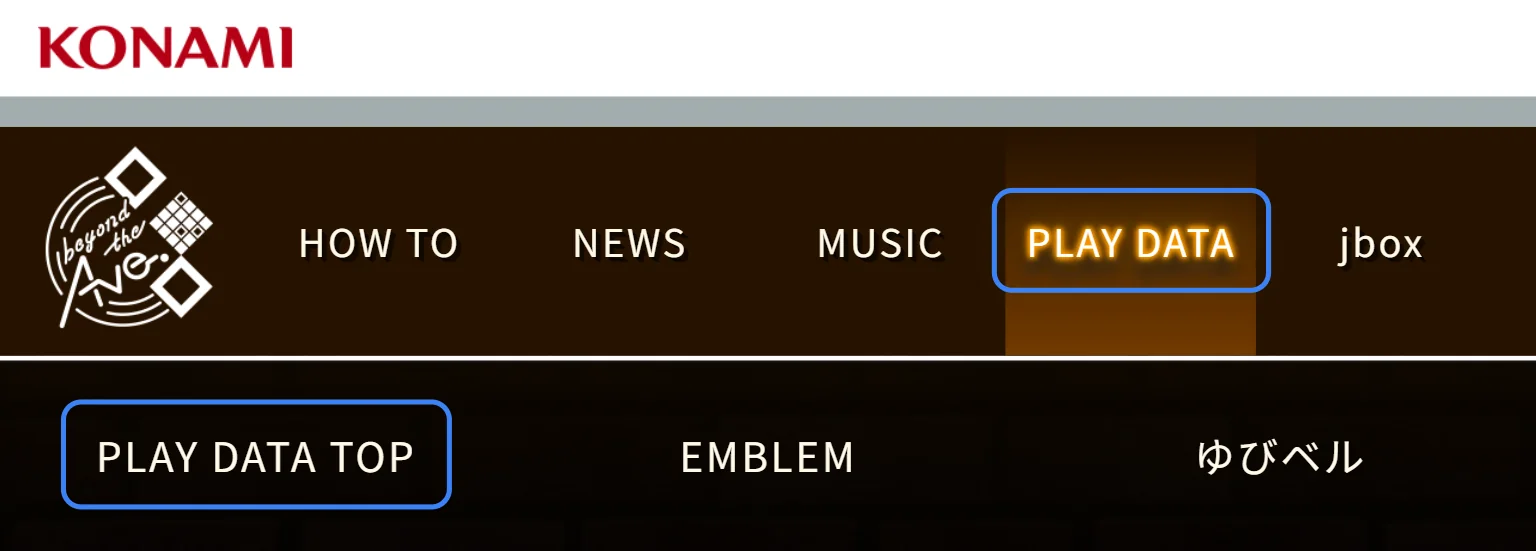
1Open PLAY DATA TOP
Sign in to e-amusement and open the jubeat beyond the Ave. site. In the menu, select “PLAY DATA TOP” under “PLAY DATA”.
e-amusement website(opens in a new tab)jubeat beyond the Ave. PLAY DATA(opens in a new tab)
2Open the privacy settings
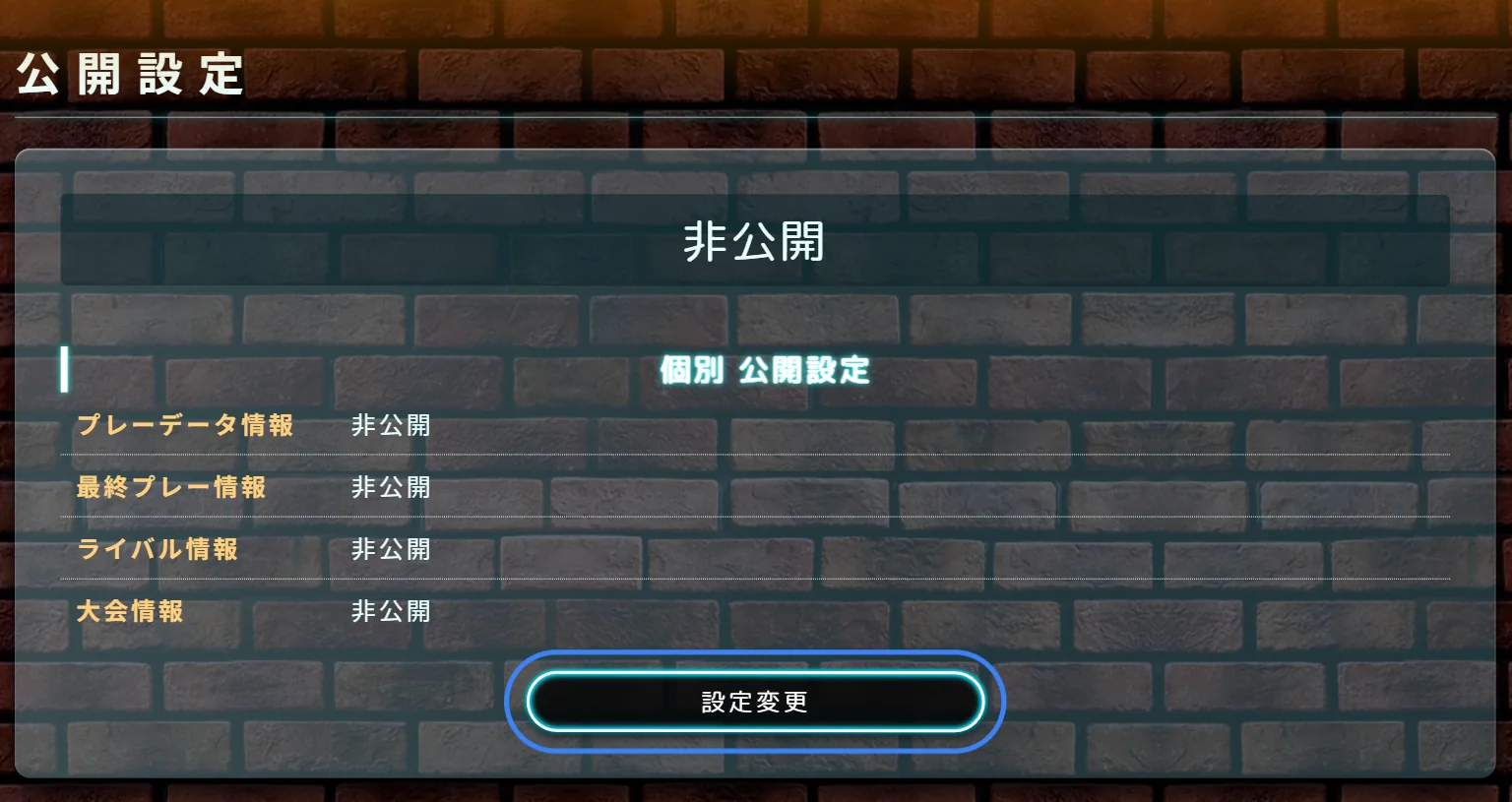
Near the bottom of the page, select “設定変更” under “公開設定”.
3Make your data public and save
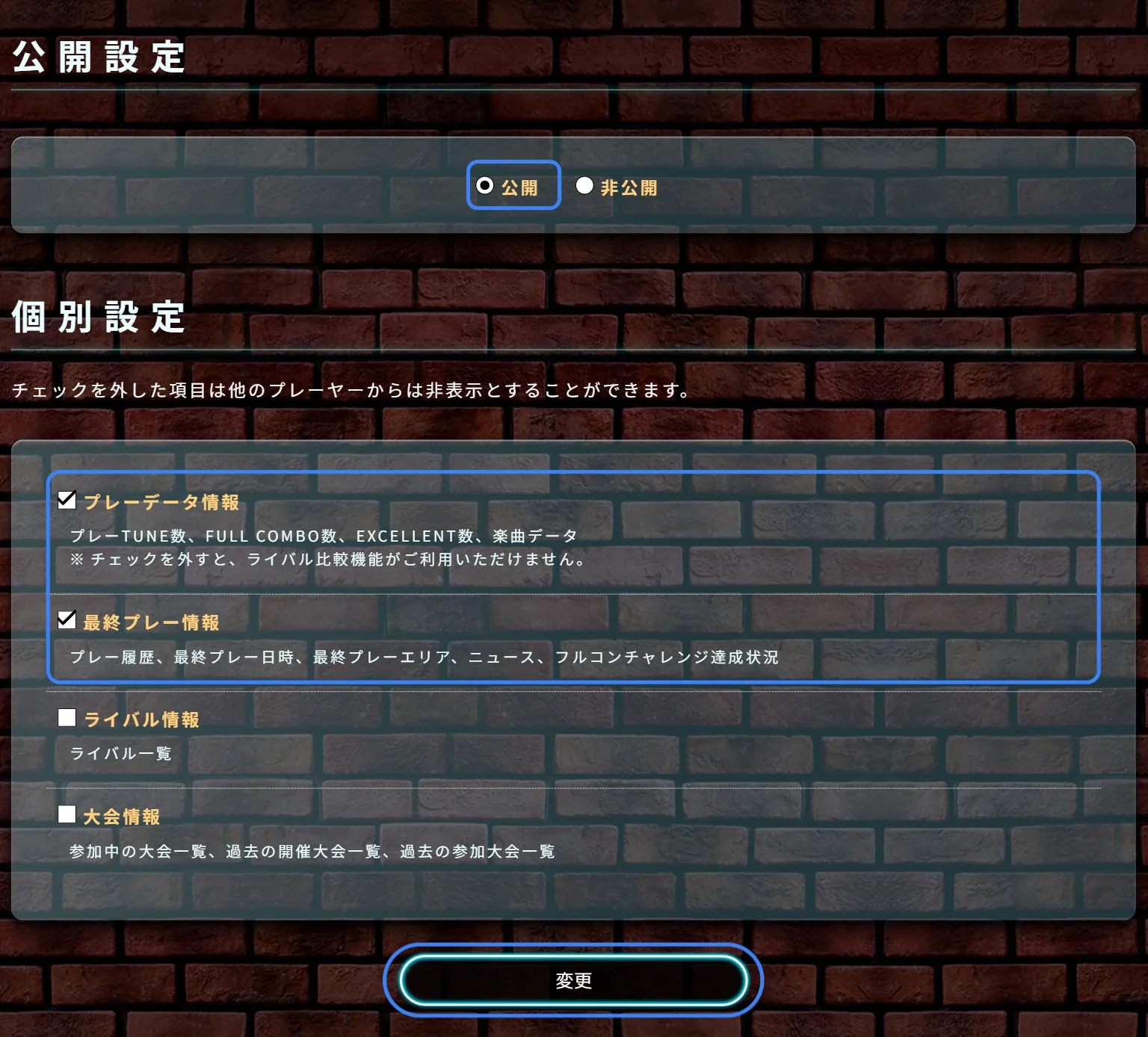
Set “公開設定” to “公開”. Under “個別設定”, check both “プレーデータ情報” and “最終プレー情報”.
Select “変更” at the bottom to save. It may take up to five minutes for your data to become public.
Once your data is public, request a sync again.
If you want to keep your play data private, or the Jubeat Tools server cannot update it, you can update your data directly on e-amusement.
Update directly on e-amusement